Copyright © Sullivan Wright All Rights Reserved

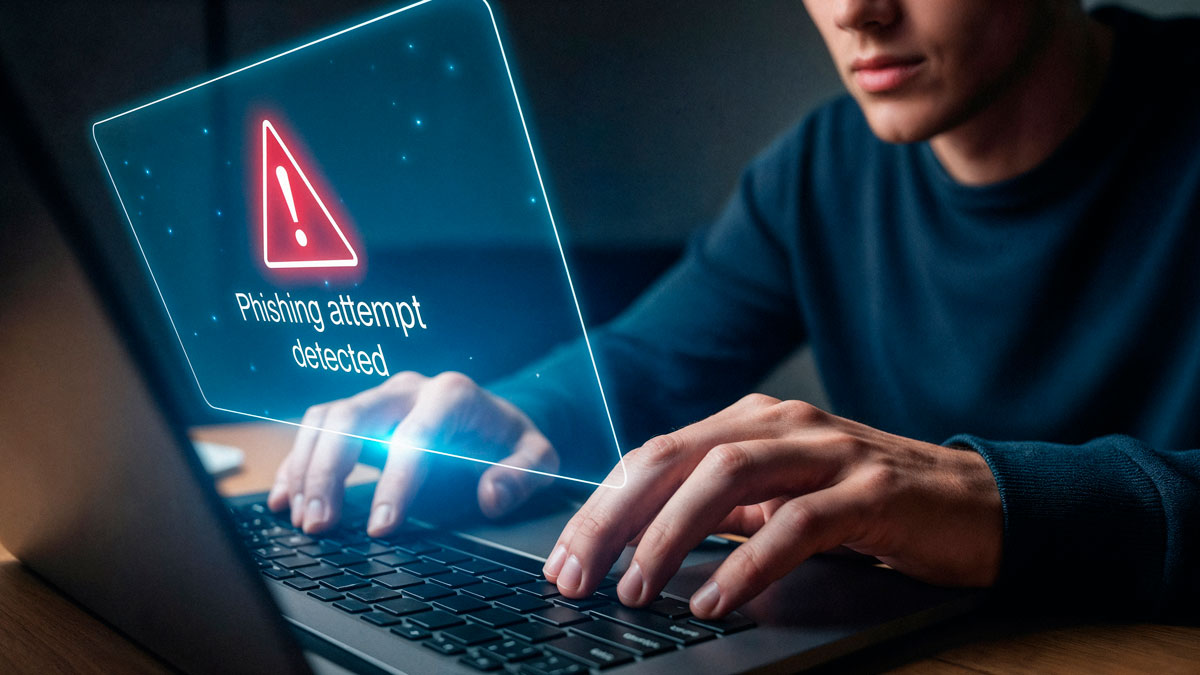
Phishing attacks are becoming more popular because they are becoming more successful. We typically refer to these attacks as Account Take-Over (ATO) attacks rather than breaches because they don't always cause damage.
We like to be nuanced with our descriptions to combat the all or none view that many have on cyber attacks. The terms breach and compromise are very loaded words but, in reality, some attacks can leave little or no damage... if they are caught early.
We are, however, seeing a sharp increase in these successful phishing attacks. Even with MFA enabled, attackers are getting into accounts. MFA was the silver bullet for about 10 minutes. Then attackers restocked their bag of tricks with tools that sat between the user and (usually) Microsoft 365. The user does legitimately log into their Microsoft account but the attacker is waiting in the middle to capture passwords and session tokens.
Session tokens are a way to "remind" the website who you are so you don't have to login with every page click. While Microsoft has some protections on these, they aren't perfect. An attacker can move them around and impersonate you from systems they control. We usually see these through fingerprints of their attack automation tools, log records from odd locations, and from the tactics they use to carry out further attacks by impersonating you. We have extensive monitoring and usually spot these anomalies pretty quickly, limiting damage.
We also have email filtering that weeds out many of those phishing emails before they even get to the user. Notice that I said "many", though. We cannot be perfect because the attackers are always honing their attacks to slip past defenses. Defenders are always at a disadvantage to attackers. That was basically rule #1 in military strategy from my days in the Air Force.
That leaves some responsibility on you, the user. We teach the common current themes in our security awareness training with our clients. It helps tremendously. However, we can't be everywhere teaching at all times and everyone is not our client (unfortunately!).
So what are those current themes that are getting through?
The biggest one we see is a file share or electronic signature email from what appears to be a known good sender. In most cases, the supposed sender likely had their account compromised and the attacker sent phishing emails to all cached email addresses. Hence the familiar name in the From line. The email came from their account, it was just compromised.
How do you combat this? First, be skeptical. If you aren't expecting an email like this from that person, call them. If you can't do that, just wait a while. Don't act so hastily on that request. Nine times out of ten, you'll get an email later that day saying something like "I was hacked, don't open that email."
The other main culprits now usually have themes like:
The biggest advice I can give is to be skeptical. We are far too trusting and tend to take things at face value. That's what attackers are banking on, though. Slow down and think before you click.
If your business is having trouble with phishing attacks, reach out. I'm sure we can help bring that risk down considerably.