
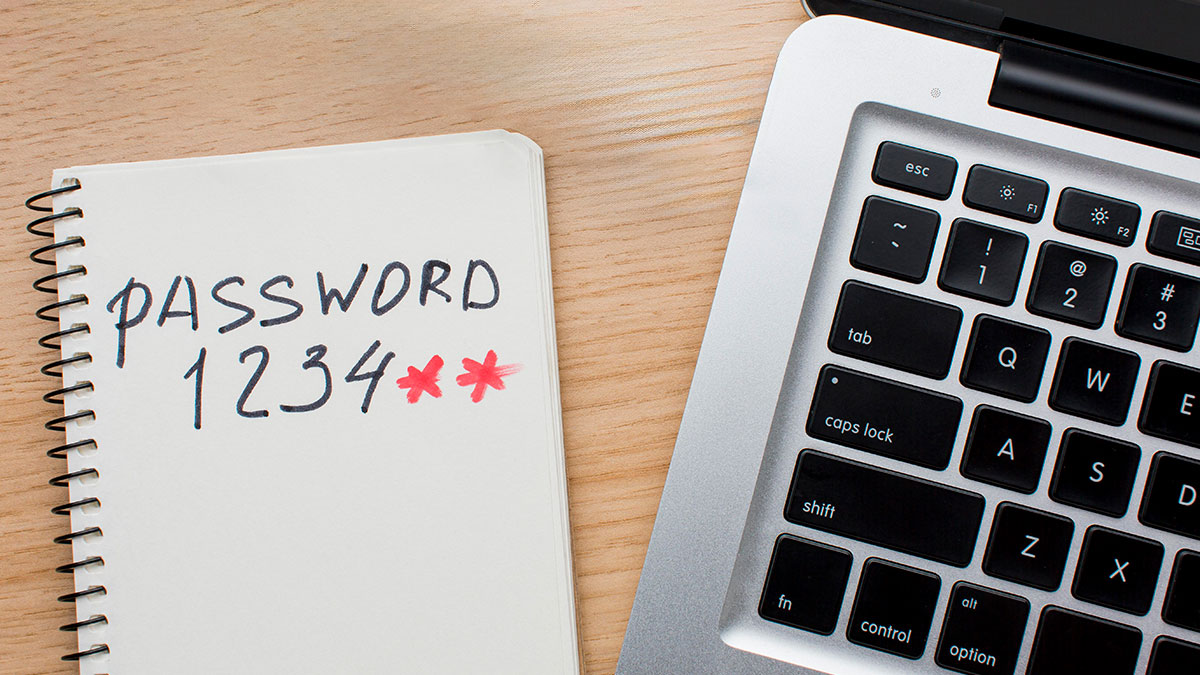
If you've taken enough Security Awareness Training from us, you've no doubt heard about password reuse. If not, password reuse is when you use the same password across multiple sites. For example, when you use your Netflix password as your Chase Bank password. Your usernames are the same, usually they are just your main email address since that is guaranteed to be unique. So if one account is breached others can be, as well.
The attack is so prevalent it has a name: Credential Stuffing. Your breached credentials are everywhere on the dark web and easily accessible. Would-be attackers will grab credentials for a breached account you may think unimportant and then try that credential pair at email providers, banks, investment companies, online retailers, etc. - all places that could burn you financially, or worse.
Near identical password reuse is when you maintain the same "base password" but alter it by a character when you reuse it. Unfortunately, this is not "the one trick cybersecurity professionals hate, click here for more" silver bullet solution.
There are numerous free tools out there than can be used to mutate a password dictionary base on rules such as adding a number in the password, incrementing an existing number in the password, cycling through special characters in the password, swapping normal characters for look-alike special characters (e.g., 4 for A and 3 for E), altering the characters' case throughout the password, and much more.
Additionally, many cracking and brute forcing tools have rules engines built into them so you can skip the step of creating or altering your list and let the tool do it for you in real time. This makes it almost mindless for the attackers to carry out.
If we have those tools available for free to us as security testers, imagine the tools available to more sophisticated and well-funded organized crime hacking teams or even nation state attackers.
We see attackers try these credential stuffing attacks in ways meant to evade our detection, so don't believe they aren't out there en masse trying to get in.
You want to do better? Here's how you can:
- Go longer, where possible. Many newer platforms will allow you to use very long passwords, or passphrases. These can be strings of words together that sound like gibberish to others but make perfect sense to you. You may still need to throw a number or special character in the mix but it matters less when you have 4 or more words together that are 20+ characters long. The real security is in the length.
- Use a password manager to automatically generate truly random passwords and store them for you so that you don't have to remember. You can do this to fit within the shorter requirements (e.g., 8 characters) or even to create random strings of words that make up a passphrase. Hint: use the long passphrase method mentioned above for your password manager account, since you have to remember it.
- Enable multi-factor authentication (MFA) wherever possible. Use an MFA app instead of text messages wherever possible, as well. Text messages can be intercepted, MFA apps are more secure. However, everyone hasn't gotten off the text message train quite yet.
What's even better about this advice? You can use it at home as well as at work. You should be working to protect both parts of your life equally, right?
Need some help figuring out how to implement this in your business? Call us. We can provide password managers and training to your staff.
Reference:
https://thehackernews.com/2026/01/password-reuse-in-disguise-often-missed.html